Canva AI 2.0 Is Coming. Here Is How to Be Ready.
May 11, 2026
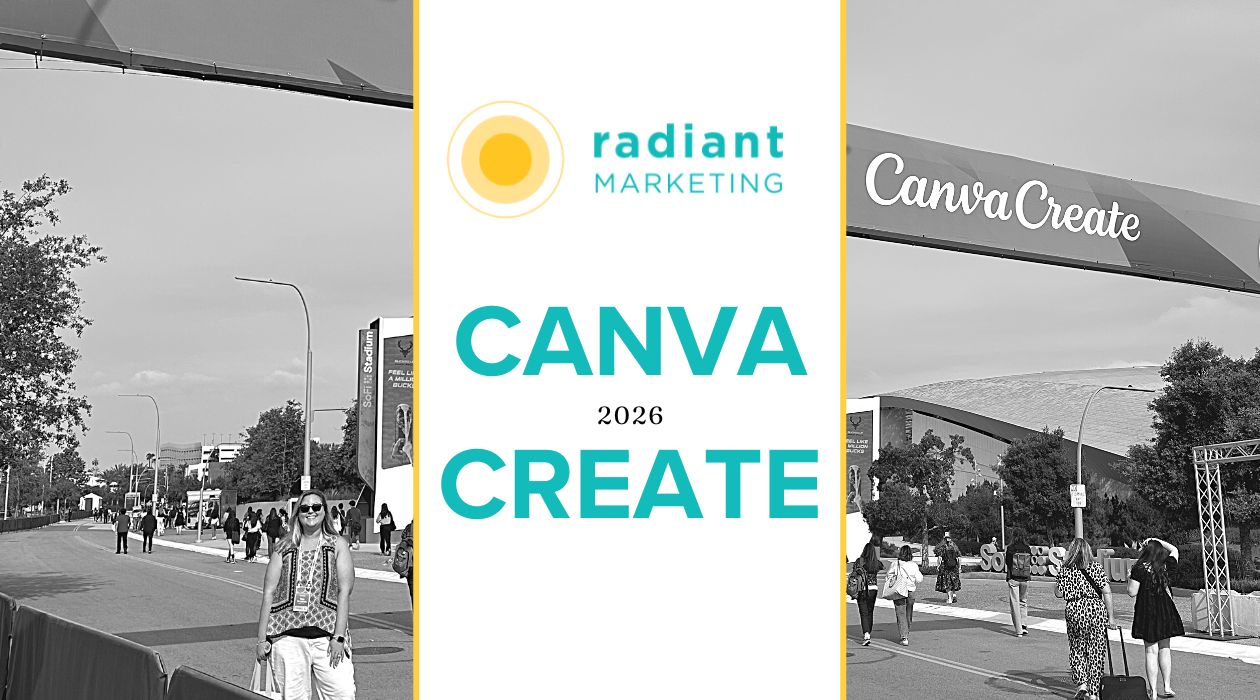
I flew to Hollywood for Canva Create 2026 and walked away equal parts inspired and fired up. Here’s everything you missed and exactly what our team is doing right now to prepare for Canva AI 2.0 before it fully launches.
I’ll be honest, I wasn’t sure what to expect walking into the YouTube Theatre in Hollywood for Canva Create 2026. I knew it was going to be a big product announcement. I didn’t expect to walk out genuinely rethinking how our entire team approaches creative work.
But here we are. Canva AI 2.0 is real, it’s rolling out now, and the teams that will benefit most from it aren’t necessarily the most creative ones. They’re the most organized ones. More on that in a minute, because I think it’s the most important thing I can share with you from this whole experience.
First, let me take you inside the room.
The Moment That Set the Tone
Before the big reveal, CEO Mel Perkins did something I didn’t see coming. She spotted one of Canva’s engineering leads, Rafa, sitting in the audience, and asked him to stand up and share the analogy that had inspired the whole team during the build. I actually captured this moment on video because it was so unexpectedly human for a big product launch.
Rafa stood up and said:
“When building Canva AI 2.0, we realized its strength is found when its individual powers work as one. And it got me thinking, it’s just like how an orchestra works. Each instrument with an important role to play, all coming together to create something extraordinary.”
— Rafa, Engineering Lead, Canva (live from the audience at Canva Create 2026)
The room loved it. Canva loved it so much they literally surprised the audience with a live orchestral performance to introduce each new feature. It was one of those keynote moments that actually lands, and it stuck with me as the right frame for everything that followed.
Because Canva AI 2.0 isn’t one feature. It’s nine capabilities that work together. And just like an orchestra, the magic isn’t in any single instrument; it’s in how they play as a system.
So What Actually Is Canva AI 2.0?
The keynote opened with a problem I recognized immediately: the creation process is broken. You prompt an AI tool and get one shot at a result. Then you reformat it in another tool. Then realize it’s completely off-brand because your brand guidelines live somewhere else. Then you’re copying and pasting between tabs, losing context every time you switch. And tomorrow you do it all over again.
Canva AI 2.0 is built to fix that whole process in one place. Here are the nine new capabilities they announced, and I have to say, seeing these demoed live made them so much more real than reading a feature list:
Conversational Design
Describe what you need, and Canva builds it. No blank page, no template hunting, just a conversation.
Agentic Orchestration
AI takes actions on your behalf: edits layouts, selects fonts, and chooses colors. A true creative partner, not just a generator.
Memory Library
Canva builds an “About Me” profile and learns how you work. It personalizes everything and keeps updating as you use it.
Layered Object Intelligence
Every AI-generated design is fully editable, layer by layer. No more locked, one-shot outputs you can’t touch.
Connectors
Links your Slack, Gmail, Google Drive, and Calendar so AI creates with full context, not in a vacuum.
Scheduling
Set tasks to run automatically, like social posts, newsletters, research, all ready and waiting when you start your day.
Web Research
AI pulls what you need from the web directly into your design. No more switching tabs and losing your train of thought.
Brand Intelligence
Every design is on-brand from the very first draft automatically. Pick a brand template and the AI handles the rest.
Canva Code 2.0
Build interactive websites and forms without writing a line of code. Form responses feed directly into Canva Sheets.
The demos were genuinely impressive. Nicole, the Vibe Lead from Canva’s team, showed a full monthly staff newsletter going from zero to a designed draft in minutes using Connectors pulling from Slack and Gmail. Larry and Tom walked through a pitch deck built, branded, and research-populated before you’d finish your morning coffee. I kept thinking: we could use this for our client reporting workflow right now.
The Thing Nobody Says Out Loud (But I’m Going To)
Here’s what I kept thinking throughout the day, and what I came home wanting to tell our whole team: AI is only as good as the structure you give it.
Canva AI’s Brand Intelligence can automatically apply your brand to everything it generates, but only if your brand kit is actually built out and accurate. The Memory Library can personalize your experience, but only if you invest time in setting up your About Me properly. Conversational Design performs so much better when it has a real, well-built brand template to start from rather than a blank slate.
I left Hollywood excited about the tools, but more excited about the preparation. Because the teams that will get 100% out of Canva AI 2.0 aren’t the ones who are best at prompting. They’re the ones who did the unglamorous organizational work first. And that’s something we can start right now, before the full rollout.
How to Prepare for Canva AI 2.0 Starting Today
This is what I’m bringing back for our team, and what I’d recommend to anyone who uses Canva seriously. Think of it as getting your orchestra tuned before the conductor walks out.
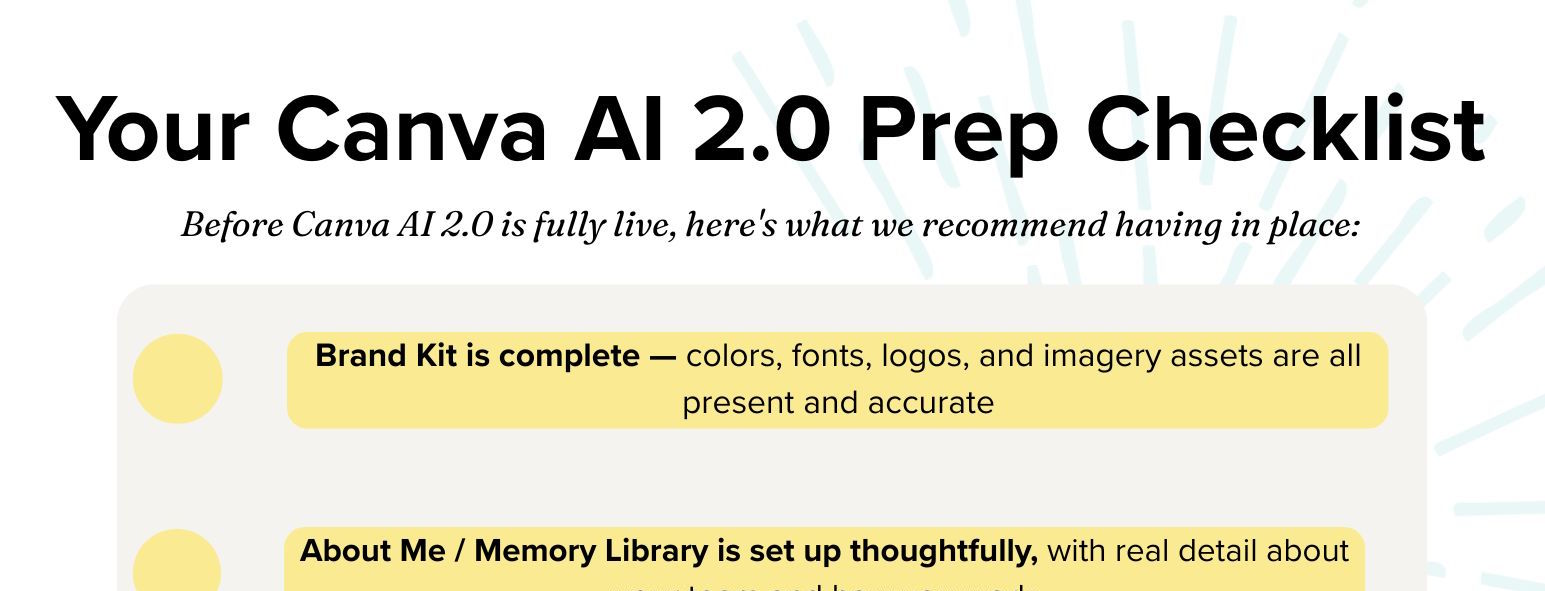
- Get your Brand Kit complete (really complete)
Your Brand Kit is the engine behind Brand Intelligence. Before you expect AI to keep everything on-brand, make sure yours actually has everything: your full color palette (primary, secondary, neutrals), all font pairings with clear hierarchy, every logo variation (full, icon, reversed, dark-background versions), and any brand imagery or pattern assets. If there are gaps, the AI will fill them with its best guess, and that guess won’t always match your vision.
- Set up your Memory Library “About Me”
When Canva AI 2.0 launches for you, one of the first things it’ll prompt you to do is create an About Me. It’s a profile that tells the AI how you work, what you create most often, what your goals are, and how your brand sounds. Don’t rush this. Don’t skip it. This is how Canva stops being a generic AI tool and starts being your AI tool. Think of it like writing a brief for a new team member. The more specific and honest you are, the better everything that follows will be.
What to include in your About Me:
Your brand voice and tone, your most common deliverables, the clients or audiences you create for most, your preferred workflows, and any hard rules about your brand (fonts you never use, colors that are off-limits, etc.). The more context you give it upfront, the less correcting you’ll do later.
- Start the “never design twice” habit now
One line from the Canva at Work stage stopped me mid-note: never design something twice. If you’re creating the same format more than once, it should be a template. Full stop. Every recurring output (social posts, report layouts, case study graphics, email headers, quarterly decks) should become a reusable, properly built template before Canva AI 2.0 is fully in your hands. Here’s why this matters so much: Agentic Orchestration and Conversational Design both perform dramatically better when they start from a strong brand template rather than a blank canvas.
- Audit what you keep rebuilding from scratch
Go through the last few months of Canva work. What formats do you recreate over and over? Those are your template candidates.
- Formalize your top 5–8 templates
Social posts, LinkedIn ads, report deck, case study graphic, email header, newsletter, proposal cover. Build them properly, not just saved designs, actual templates.
- Get your naming and folders sorted
“Never start from scratch” only works if people can find the starting point. Consistent naming conventions and folder structure aren’t glamorous, but they’re what make the whole system function.
- Make it a team standard
Every project begins from a template or a past asset. If it doesn’t exist yet, you build it, and it lives there for next time. This is a culture shift as much as a workflow change.
- Connect your tools before you need them
Canva AI’s Connectors link to Slack, Gmail, Google Drive, and your calendar. When they’re set up, the AI can pull context from your actual work. Getting access configured now means you’re not fumbling with permissions when you’re also trying to meet a deadline. This one is worth doing this week.
- Get familiar with Canva Sheets and Bulk Create right now
Canva Sheets and Bulk Create are available today and genuinely underused. You can generate 30+ social post variations in one sitting by connecting a spreadsheet to a template. I came home really wanting to pilot this for our social calendar process, because if it works the way I think it will, it changes how much content we can produce without adding hours to anyone’s week. Start experimenting now while the stakes are low, before AI 2.0 makes it even more powerful.
Other Things I Loved From the Day
Jay Schwedelson’s take on content authenticity
One of my favorite sessions featured Jay Schwedelson, host of the podcast Do This, Not That, who said something I wanted to write on a sticky note and put on everyone’s monitor: real photos beat iStock every time. Consistency builds trust. People connect with people, not brands. In a world where AI can generate polished content at scale, the human stuff ( the real faces, the genuine moments, the actual personality) becomes more valuable, not less. That’s something I’m thinking about a lot for how we approach content here.
Jon Chu on why vision still matters
Director Jon Chu gave a talk about creative ambition that honestly had nothing to do with software and was better for it. The line I keep coming back to: AI doesn’t replace the vision. It amplifies it. The differentiator is always the idea. More powerful tools just mean your ideas need to be bolder.
The Affinity + Canva Brand Kit integration
Big news for anyone managing a team that uses both tools: Canva Brand Kits are now directly connected to Affinity. Designers can do precision work in Affinity and move it seamlessly into Canva. No export workarounds, no version confusion. For us, this is the answer to the question of how contractor designers can access our brand resources and contribute to our Canva workspace without everything getting messy. I’m excited to test this.
The Big Picture: Canva as Your Marketing OS
Sitting in that theatre all day, the thing I kept coming back to was this: Canva isn’t design software with AI features. It’s becoming a full marketing operating system: design, data, scheduling, analytics, publishing, web creation, all in one place. And the more you consolidate into that single system, the more effectively AI can work across it, because it has access to the whole picture, not just a slice of your workflow.
Canva closed the keynote with a question that I think is worth genuinely sitting with: “The question isn’t what will AI do, it’s what will we do with it? What will we choose to design together?”
I came home with a clear answer for our team: we’re going to get organized, build our systems, and make sure that when Canva AI 2.0 is fully in our hands, we’re ready to conduct the orchestra and not still tuning our instruments.
I’m working with our team right now on our very own Canva AI 2.0 Prep, but if you want a copy of our checklist, click here to see what I recommend having in place.
Want help getting your team ready for Canva AI 2.0?
Get in touch with Radiant by filling out the form below.
This is exactly the kind of systems work we love doing with marketing teams. Let’s make sure you’re set up to get the most out of it from day one.
Get in touch with Radiant by filling out the form below.



Join the Radiant list!
Get expert insights, fresh ideas, and our founder’s VIP
notes on brand growth sent straight to your inbox.